
A time tracking application is most useful when it challenges assumptions rather than simply counting hours. Long workdays do not automatically mean strong results, frequent app activity does not prove useful progress, and a quiet period is not necessarily wasted time.
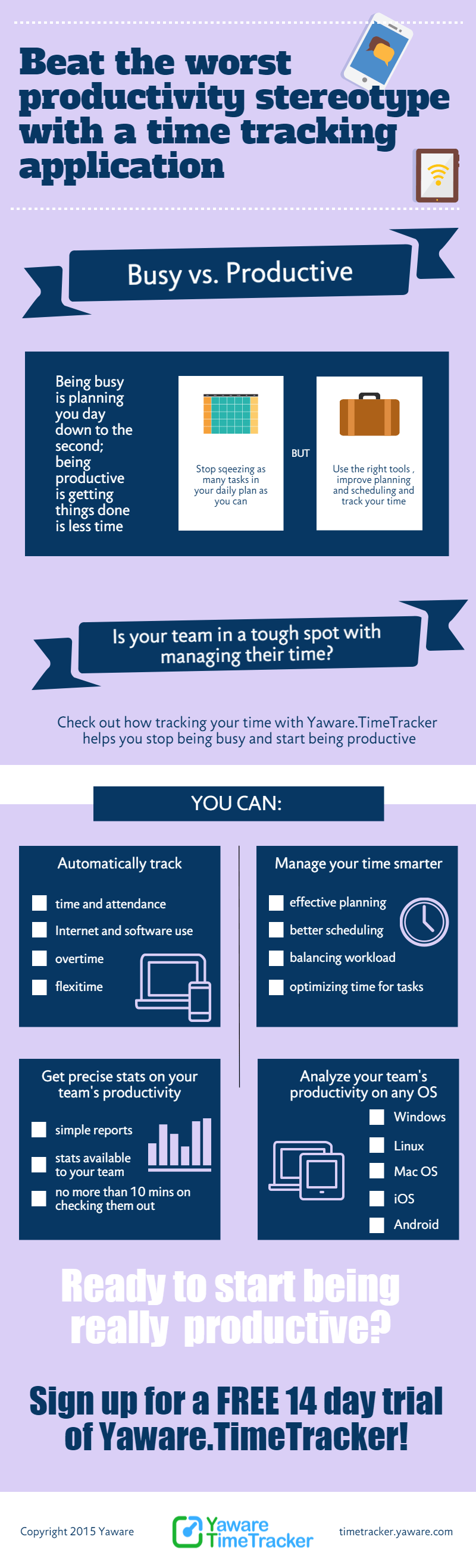
The original infographic below highlights common productivity stereotypes. This updated guide explains how to examine those beliefs with better data and without turning monitoring into surveillance for its own sake.
Four productivity myths worth testing
Myth 1: More hours always mean more output
Hours describe time input, not the value or quality of the result. A longer day can reflect urgent delivery, but repeated extensions may also point to interruptions, unclear scope, excessive meetings, or workload imbalance. Review working time alongside completed tasks and project outcomes.
Myth 2: Constant computer activity equals focused work
Keyboard or application activity cannot explain whether someone is solving the right problem. Research, planning, calls, and offline discussions may be essential even when activity is low. Yaware’s offline activity tracking helps employees and managers add that missing context.
Myth 3: One productivity benchmark fits every role
A designer, support specialist, accountant, developer, and sales manager use different tools and produce different outputs. Avoid comparing unlike roles through one generic percentage. Configure categories and interpret reports within the responsibilities of each team.
Myth 4: A dashboard explains the cause
A report can reveal a pattern, such as fragmented focus time or repeated work outside the expected schedule. It cannot by itself explain whether the cause is a system outage, client escalation, training need, unclear priority, or personal performance. Use data to ask better questions.
How to use time tracking data constructively
- Agree on the purpose. Define whether the goal is project costing, workload balance, attendance, process improvement, or another clear need.
- Make monitoring visible. Explain the settings, retention, access rights, and review process before rollout.
- Start with trends. Look for repeated patterns across days and teams instead of reacting to a single screenshot or isolated hour.
- Add work context. Pair app and website data with tasks, projects, meetings, and offline work.
- Invite employee input. The person doing the work often knows whether a bottleneck comes from tools, dependencies, priorities, or workload.
- Measure improvement. After changing a process, compare the same indicators over an appropriate period.
What a responsible conclusion looks like
Instead of saying “this employee was unproductive,” a useful conclusion is specific and testable: “The team lost uninterrupted focus time on three days because support requests arrived through multiple channels.” That conclusion points toward a process change and can be checked again later.
See how Yaware combines automatic tracking, productivity analysis, and reporting. You can also review pricing or start a free trial.

